Leave Calendars and No-Pay Leave
Leave Calendar
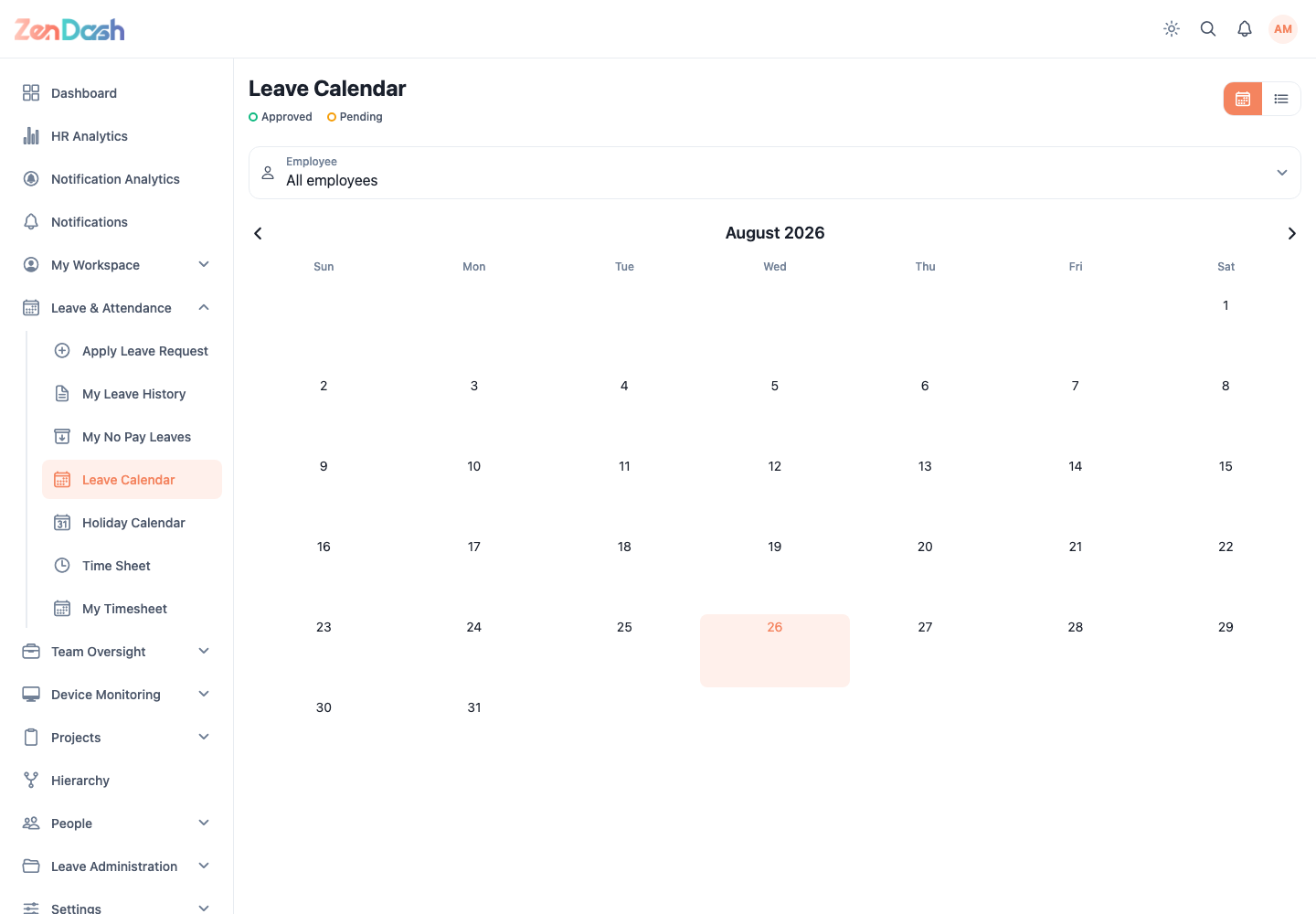
Open Leave & Attendance > Leave Calendar. Use the calendar or list view to see approved and relevant scheduled leave. Move between months and, when available, filter by employee.
Holiday Calendar
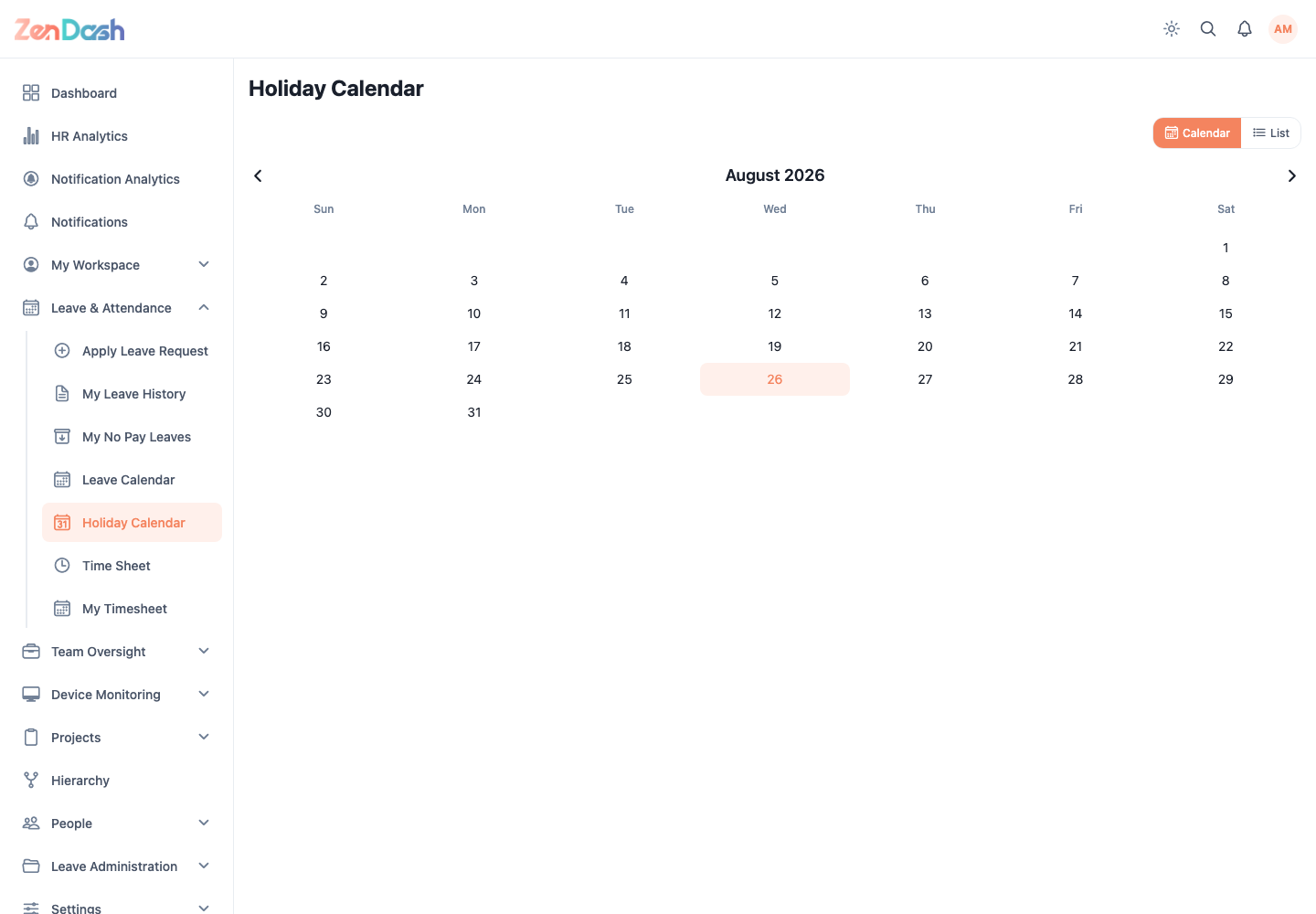
Open Leave & Attendance > Holiday Calendar. Switch between calendar and list views and review Upcoming Holidays. Holidays are maintained by your organization and affect attendance and leave calculations.
My No Pay Leaves
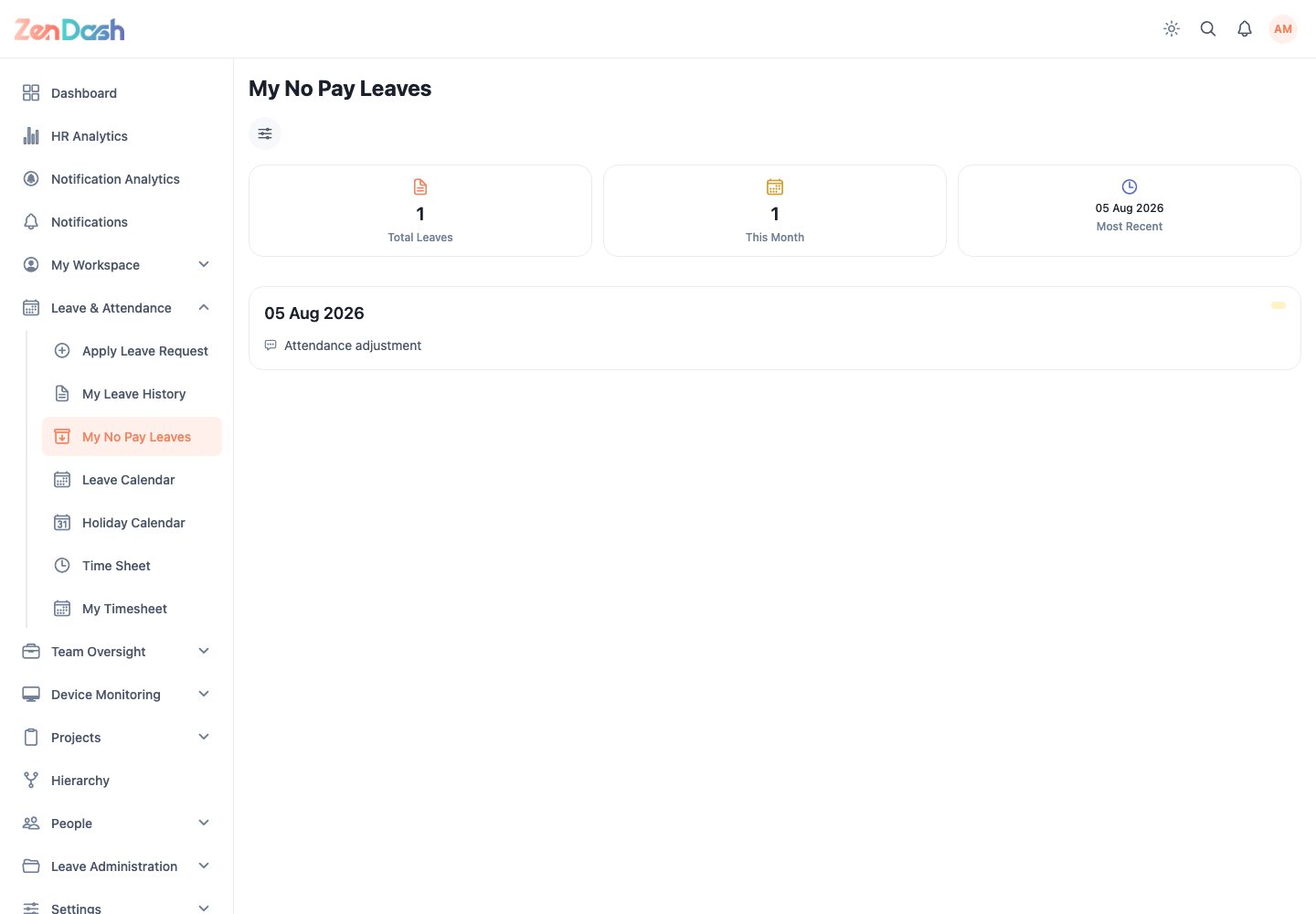
Open Leave & Attendance > My No Pay Leaves. Summary tiles show Total Leaves, This Month, and Most Recent. Use the date filters to narrow the records.
Each entry identifies its date and whether it is a full-day or policy-generated no-pay record, together with the reason or source available from attendance processing.
Employees cannot generate no-pay leave from this screen. Authorized HR users create attendance decisions through Process Attendance.